How to make an image or PDF fit an upload limit
A practical reference for resizing, compressing and converting files with Resize.work, including what the tool actually does, what it cannot do, and measured outcomes you can reproduce.
Resizing, compression and format changes are different levers
Resizing changes pixel dimensions. A 6000 px wide photo shown in a 1200 px column carries far more pixels than anyone will see, and removing them cuts file size sharply with little visible effect at that display size.
Lossy compression keeps dimensions but stores the pixels less precisely. JPEG and WebP quality settings trade fine detail and smooth gradients for bytes. Each save at lower quality is permanent, so always work from your original rather than re-compressing a result.
Format changes matter too. Photographs usually suit JPEG or WebP; flat graphics, screenshots and text can look worse as JPEG than they did as PNG, because JPEG blurs hard edges. Transparency is handled differently by output format: JPEG cannot hold it, so transparent areas are flattened onto white, while WebP output is not flattened and can retain transparency.
Resize.work combines these: it fixes a maximum dimension per preset, then searches the tested quality settings for the best one that stays under your size ceiling, and reduces dimensions only if none fit. The search approximates the best of the tested settings, not the highest possible quality.
What each preset does
These values come from the processing service. Sizes are ceilings, not predictions: a file that already fits is not guaranteed to shrink by any particular amount.
| Preset | Output | Dimension cap | Size ceiling |
|---|---|---|---|
| Send in Email | JPEG | Longest side up to 6000 px | Under 9 MB |
| Upload to the Web | WebP | Longest side up to 2048 px | Under 3 MB |
| Send in Text / Messaging App | JPEG | Longest side up to 1080 px | Under 1.5 MB |
| Resize PDF | Images become a one-page PDF (up to 2400 px source image) | Under 8 MB | |
| Custom Size | JPEG (PDFs stay PDF) | Longest side up to 6000 px | Your target, 50 KB to 40 MB |
Inputs may be JPG, PNG, WebP, GIF or BMP images, or PDFs, up to 40 MB each. PDFs are limited to 100 pages and can use the Resize PDF, Send in Email or Custom Size presets. Images are never enlarged, and the quality search covers roughly 35 to 94 on the encoder scale. The service rate-limits each client to 8 requests per minute and handles at most two jobs at once, so you may occasionally be asked to retry.
Practical use cases
- Application portals with a hard cap. Pick Custom Size and enter the cap, for example 500 KB or 2 MB. Leave a small margin if the portal counts in decimal megabytes; this tool uses 1 MB = 1,048,576 bytes.
- Product and blog images. The Web preset caps images at 2048 px and outputs WebP, which most current browsers display. Check that your platform accepts WebP before uploading.
- Chat apps. The Text preset targets 1080 px, adequate for phone screens but not for zooming into small details.
- Photo or scan as PDF. The Resize PDF preset on an image places it on a single A4-sized page (595 by 842 points), scaled down to fit, never up.
- Scanned PDFs. Embedded images are downsampled in steps from 240 to 96 dpi until the file fits.
Limitations and troubleshooting
- Target below the smallest readable result. The tool tries up to five dimension steps, down to about 36 percent of the cap, and will not go further. Raise the target or pre-crop the image.
- Transparency. JPEG output has no alpha channel; the service flattens transparent areas onto white. The Web preset's WebP output is not flattened and can retain transparency, but this is not guaranteed for every file, so test the result on a background you care about.
- Animated GIFs. The service encodes a single image, so do not expect animation in the result.
- Text, signatures and OCR. Aggressive compression blurs thin strokes. The tool does not perform OCR and does not add a text layer. PDF text stays as is, but scanned pages are images and become softer at lower dpi. Check signatures and small print on the result before submitting.
- Encrypted or damaged PDFs are rejected, as are PDFs over 100 pages.
- Busy service. If you see a rate-limit or busy message, wait a minute and try again.
- Already-optimized files may not shrink. See the PDF example below, where the measured result grew slightly.
Measured examples
Every source in this collection is synthetic original work generated by this script; measurements below are actual responses from the local processing API, not estimates. They are single runs on small test files, not benchmarks, and results on your files will differ.
Synthetic geometric color study — Web upload
Algorithmically drawn gradients, circles, and geometric shapes; no photographs or third-party artwork.
- Original
- 1.51 MB 2400 x 1600 px
- Result
- 239.6 KB 2048 x 1365 px
- Change
- -1.27 MB
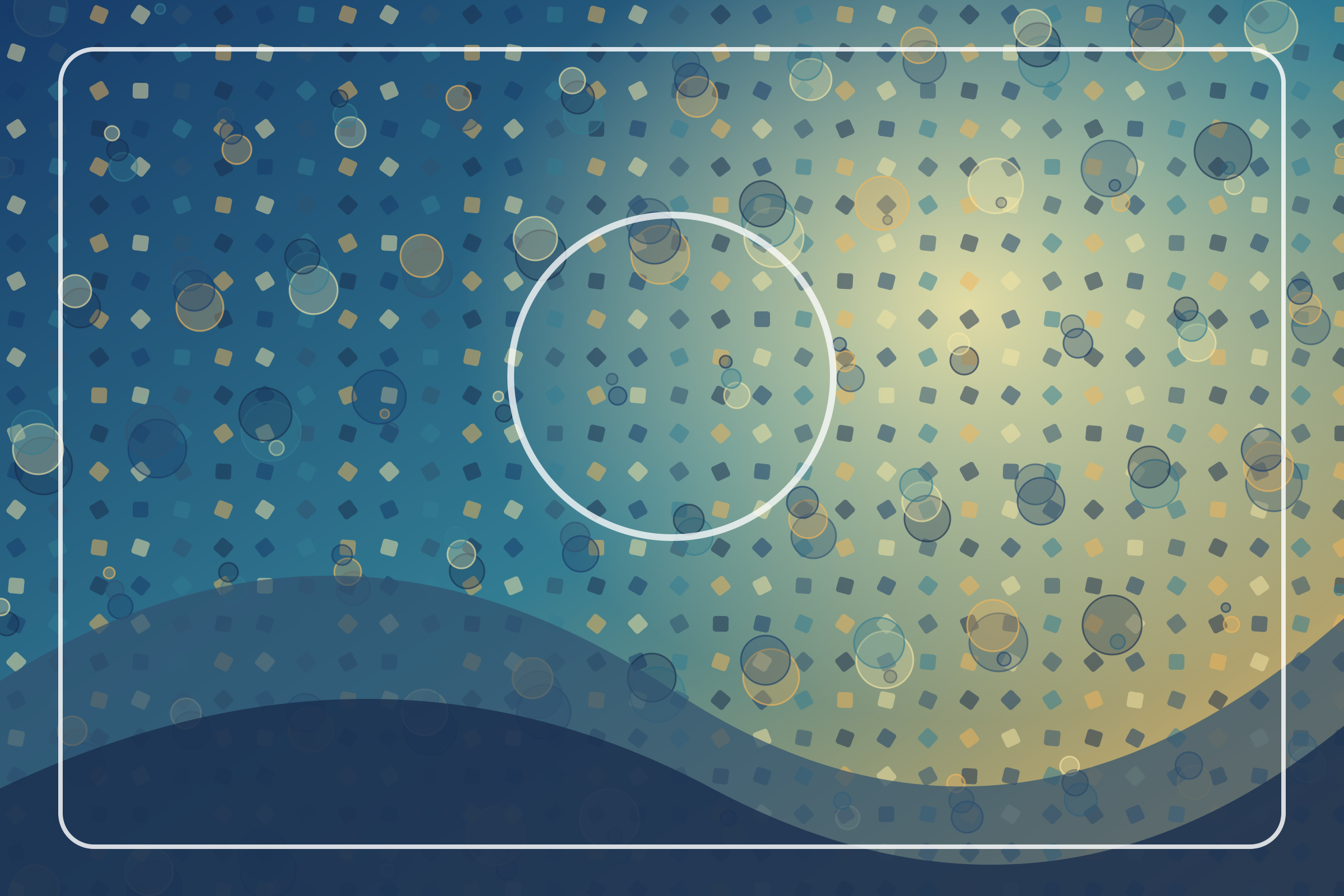
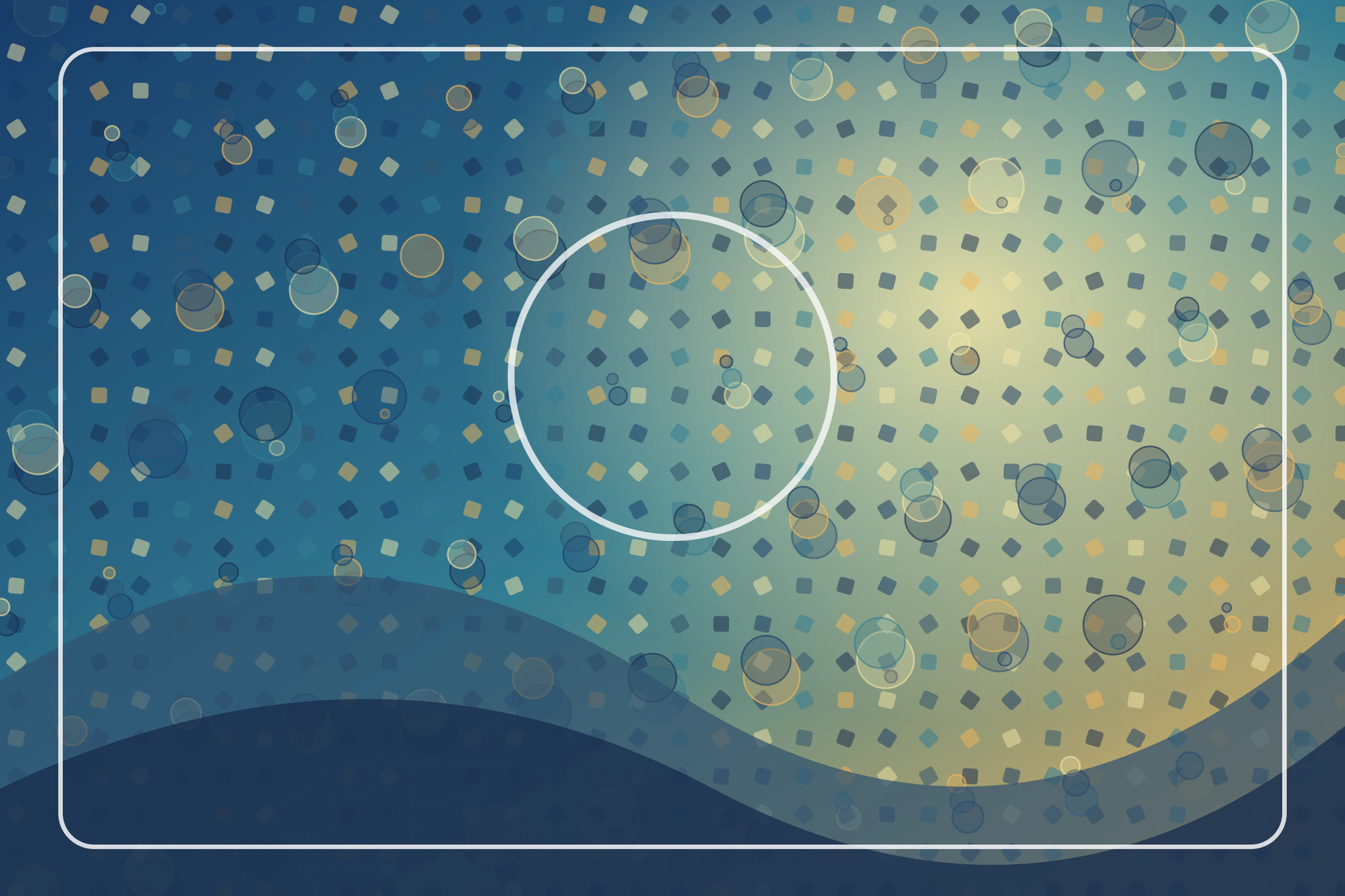
Download original (synthetic-color-study.png)Download result (synthetic-color-study-web.webp)
Synthetic geometric color study — Text / messaging
Algorithmically drawn gradients, circles, and geometric shapes, rasterized to JPEG; no photographs or third-party artwork.
- Original
- 372.3 KB 1800 x 1200 px
- Result
- 244.5 KB 1080 x 720 px
- Change
- -127.8 KB
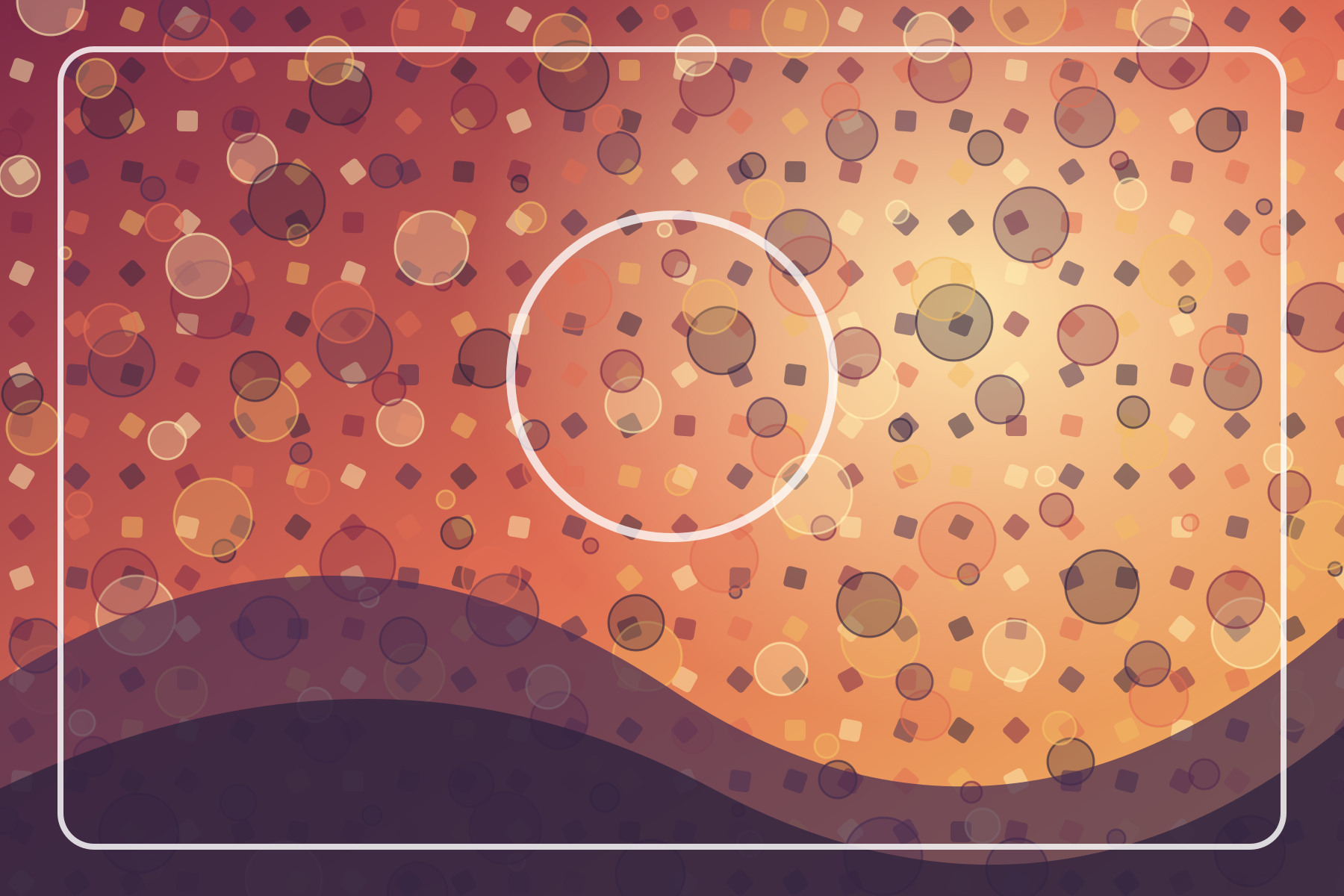
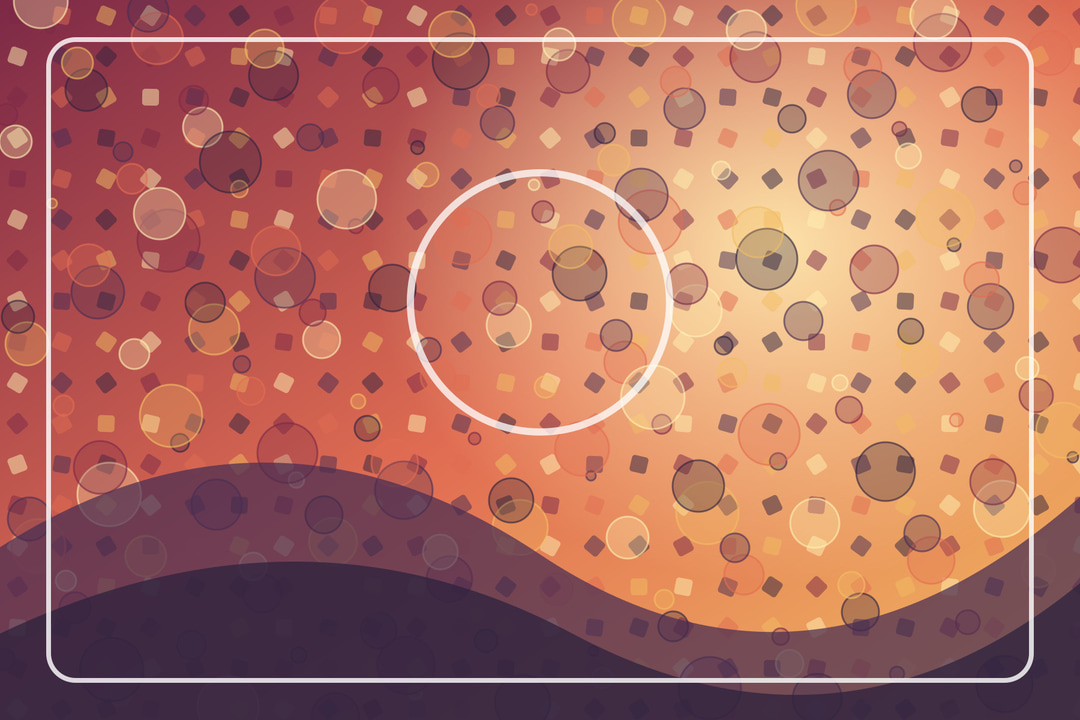
Download original (synthetic-poster.jpg)Download result (synthetic-poster-text.jpg)
Synthetic one-page PDF — Resize PDF
One page with an embedded algorithmically generated geometric image; no photographs or third-party artwork.
- Original
- 472.2 KB 1 page
- Result
- 473.8 KB 1 page
- Change
- +1.6 KB
Download original (synthetic-color-study.pdf)Download result (synthetic-color-study-optimized.pdf)
This measured result grew slightly. Reprocessing a PDF can add overhead, and PDF metadata can vary between runs. Keep the original if it is the better file.
Privacy and what happens to your upload
Processing happens on a server, not in your browser. Your file is uploaded over the network, held in memory while it is processed in an isolated worker, returned to you, and then overwritten. It is not written to disk or a database by the application. Uploads are short-lived but they are not local-only; do not use the service for files you are not permitted to send to a third party. Details are in the Privacy Policy and Terms.
Method and limits of this guide
Images use Sharp (libvips) with Lanczos resampling, EXIF orientation applied, and a five-attempt binary search over quality at each dimension. JPEG uses mozjpeg; the Web preset uses WebP. PDFs are passed through Ghostscript at four resolution and quality profiles. Examples were produced by calling the processing API with synthetic files, and the manifest is regenerated by a script in the project. This guide does not claim visual equivalence, a typical saving, or suitability for every portal. Always inspect the result.
FAQ
Does the tool change my original file?
No. It returns a new file named with a -resized suffix. Your original stays on your device.
Why did my file get larger?
Reprocessing can add overhead, so a result can occasionally grow slightly, as in the PDF example above. Keep whichever file suits you.
Can I set a size below 50 KB?
No. Custom targets run from 50 KB to 40 MB.